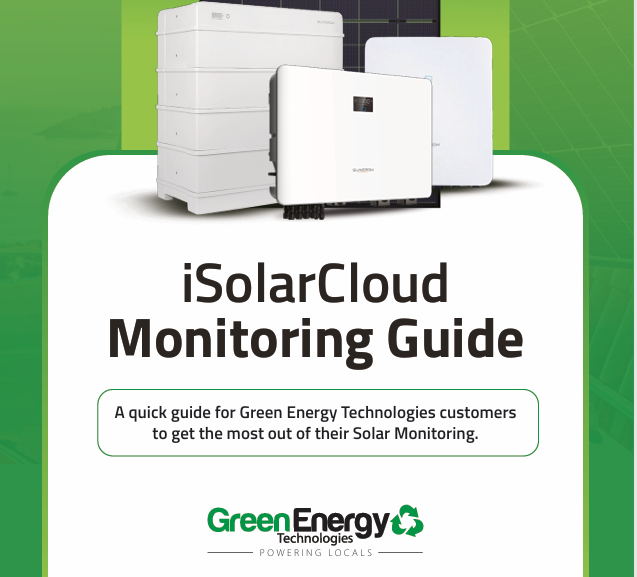
The iSolarCloud Solar Monitoring System Guide
At Green Energy Technologies, we believe solar energy shouldn’t just save you money — you should feel in control of your energy.
That’s why we’ve created a helpful PDF guide to walk you through iSolarCloud, the solar monitoring system used to track your Sungrow solar system performance metrics in real time.
If you’ve recently had your system installed (or you’re just ready to understand it better), this solar monitoring system guide will help you confidently read your solar data and provide insights and tips to make the most of your solar system.
We’ll cover:
- How much solar energy your system is producing
- How much electricity your home is using
- How much power you are exporting to the grid and also buying back from the grid
- How your battery is charging and when it is powering your home (if you have one)
By keeping an eye on your system, you can make smarter energy decisions — like when to run energy hungry appliances like your washing machine or dishwasher and how much grid power you’re buying vs generating to send back.
Think of iSolarCloud as your solar dashboard — helping you get the most value every day.
To download this solar monitoring system guide, just look for the arrow button on the far right side of the top menu next to the print icon so you can save it for future reference.
For more information on using and configuring the iSolarCloud Solar Monitoring platform please see Sungrow’s Datasheet for more technical information, or reach out to our team on 07 4940 2900 or visit our branches pages for any other enquiries related to your solar monitoring system.